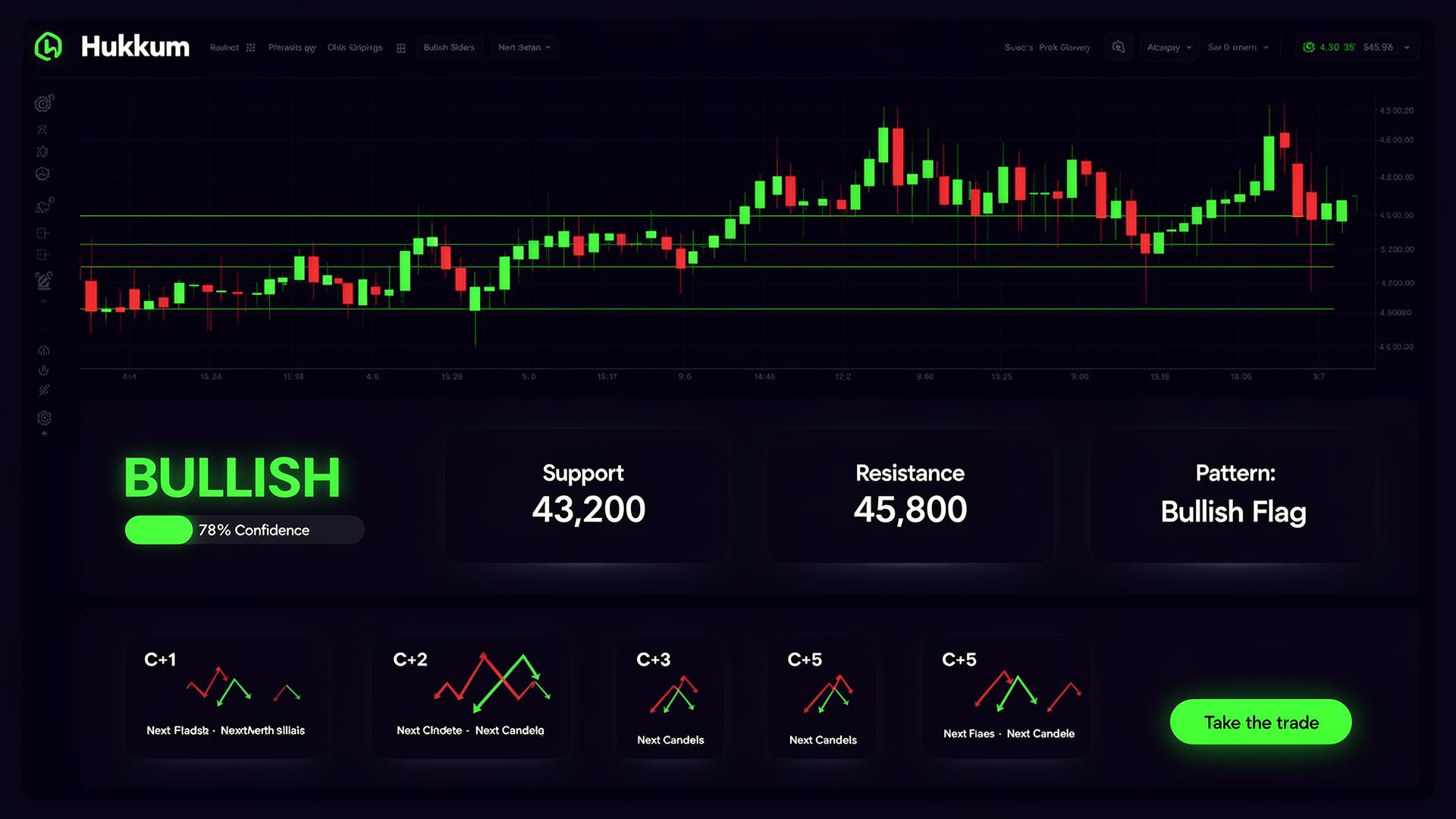
📸 Upload Any Chart · Instant AI Analysis

Upload Chart.
Get Trade Plan.

Take a screenshot of any chart — Zerodha, Upstox, TradingView, any broker. Claude AI reads it and gives you entry, stop loss, target and full trade coaching in seconds.

📊 Start Analyzing → See Pricing
Any
Broker Chart
3s
Avg Response
₹249
Per Month
1hr
Free Trial
Hukkum AI
AI ANALYSIS
📈
Pattern Detected
BULLISH BREAKOUT
Confidence
83%
Stop Loss
₹24,180
Target
₹24,780
Entry
₹24,380
R:R Ratio
1:3.0
HIT TARGET
74%
WIN RATE
72%
HIT SL
19%
✦ Features
Everything you need to
trade with confidence
Everything you need to analyse any chart from any broker — no API keys, no connections, just upload and get your trade plan.
📸
Upload Any Chart
Screenshot from Zerodha, Upstox, Angel, TradingView, or any broker. Equity, options, futures — any timeframe from 1 min to monthly. Claude AI reads the actual chart image.
🎯
Complete Trade Plan
Get exact entry price, stop loss, and target levels based on what Claude sees in your chart. Includes pattern name, trend direction, confidence score, and risk/reward ratio.
📊
Real Technical Analysis
RSI, MACD, Bollinger Bands, EMA 20/50/200, volume analysis — all read directly from your chart. Support and resistance levels identified from actual price structure.
Hourly Forecast
Probability-based hourly price direction forecast from 10 AM to 3:30 PM. Know which sessions are high-probability for your trade and when to exit.
🩻
Trade Autopsy
Lost money? Upload your trade screenshot and get honest AI coaching — exactly what went wrong, the psychology behind it, a 5-step winning strategy, and a personal trading checklist.
🔐
Works With Any Broker
No API connections, no token setup, no integrations required. Just take a screenshot of your chart and upload it. Works with Zerodha, Upstox, Angel, ICICI, HDFC, Kotak — any platform.
📱
Install as App (PWA)
Add Hukkum AI to your phone home screen. Works like a native app with no App Store needed. Android Chrome and iPhone Safari both supported.
✦ How It Works
From chart to trade plan
in seconds
1
Sign Up Free
Create your account and get a free 1-hour trial — no credit card needed to start.
2
Take a Screenshot
Screenshot your chart from any broker or trading platform — Zerodha, TradingView, Upstox, anything.
3
Upload to Hukkum AI
Open the app, select Equity / Options / Futures, upload your chart. Takes 5 seconds.
4
Get Your Trade Plan
Claude AI reads the chart and returns entry, SL, target, pattern, indicators, and hourly forecast in seconds.
✦ Pricing
Simple, transparent pricing
One plan. Everything included. Cancel anytime.
HUKKUM AI PRO
249
per month · billed monthly · cancel anytime
🔐 Start for ₹249/month →
Secured by Razorpay · UPI · Cards · Net Banking
Auto-renews monthly · Cancel anytime from the app
✦ Traders Love It
What our users say
"I trade options on Zerodha and just take a screenshot of my chart. Hukkum AI gives me the strike, entry and SL in seconds. Saves me 30 minutes of analysis every morning."
R
Rahul M.
Options Trader, Mumbai
"I just take a screenshot of my chart and Hukkum AI gives me entry, SL and target in seconds. The confidence scores are surprisingly accurate."
P
Priya S.
Intraday Trader, Bangalore
"Finally a tool that works on mobile. I install it as a PWA and just screenshot my TradingView charts. No setups, no API keys — just upload and get the analysis."
A
Amit K.
Swing Trader, Delhi
✦ FAQ
Frequently asked questions
Is Hukkum AI a SEBI-registered advisor?
No. Hukkum AI is an educational tool only. All analysis and signals are generated by AI for informational purposes and do not constitute investment advice. Always consult a qualified financial advisor before trading.
Does it work with my broker?
Yes — Hukkum AI works with any broker. Just take a screenshot of your chart (Zerodha Kite, Upstox, Angel One, TradingView, ICICI Direct, HDFC Securities, Kotak Neo — any platform) and upload it. No API connections or broker integrations needed.
Can Hukkum AI place trades on my behalf?
No. Hukkum AI only analyses chart images. It has no connection to your broker account and cannot place, modify, or cancel any orders. Your funds are completely safe.
Which charts can I analyze?
Any chart from any platform — NSE/BSE equities, Nifty/BankNifty/FinNifty options, futures, commodities, even crypto charts. Any timeframe from 1 minute to monthly. Just take a screenshot of what you see on your screen and upload it.
How do I cancel my subscription?
You can cancel anytime by emailing contact@hukkum.com. Your access continues until the end of the current billing period. No refunds for partial months.
How do I install it on my phone?
On Android: open hukkum.com in Chrome → tap the menu → "Add to Home Screen". On iPhone: open in Safari → tap Share → "Add to Home Screen". The app works exactly like a native app with no App Store needed.
✦ Free Trading Tools
Trading Calculators
Five essential calculators every Indian trader needs — free, instant, no login required. For smarter entries, use hukkum.com AI chart analysis alongside these tools.

Position Size Calculator

Find out exactly how many shares/lots to buy so you never risk more than your defined amount per trade. Used by professional intraday and swing traders on NSE & BSE.

Qty to Buy
Capital at Risk
Total Trade Value
Risk per Share
💡 Pro tip: Got your entry & SL? Let hukkum.com AI analyse your chart screenshot to confirm the trade setup before you size in. Upload any chart from Zerodha, Upstox or TradingView — takes 3 seconds.

Stop Loss Calculator

Calculate exact stop loss levels using percentage, fixed rupee amount, or ATR-based methods. Works for intraday, swing, and positional trades on NSE & BSE.

Stop Loss Price
₹ Risk / Share
% Risk
💡 Not sure where to set your SL? hukkum.com reads your chart screenshot using Claude AI and identifies key support/resistance to suggest the optimal SL level — in seconds, free trial available.

Risk Reward Ratio Calculator

Instantly calculate the risk-reward ratio of any trade. Professional traders target a minimum 1:2 RR. See if your trade idea is worth the risk before you place the order.

R:R Ratio
Max Profit
Max Loss
Verdict
💡 Get AI-confirmed entry, SL & target: Instead of guessing levels, upload your chart to hukkum.com and get precise entry, stop loss and target from Claude AI — already optimised for the best R:R ratio.

Options Profit & Loss Calculator

Calculate potential profit or loss on your Nifty, BankNifty, or stock options trades. Works for both buyers and sellers of Call and Put options on NSE.

P&L
Total Invested
Return %
Break-even
💡 Trading Nifty or BankNifty options? hukkum.com analyses your chart screenshot and suggests the best strike, entry premium and target for your options trade — powered by Claude AI. Try free at hukkum.com.

Brokerage & Tax Calculator (India)

Calculate the total cost of your trade including brokerage, STT, exchange charges, GST, SEBI charges, and stamp duty — for Zerodha, Upstox, and flat-fee brokers on NSE/BSE.

Gross P&L
Total Charges
Net P&L
Brokerage
STT
GST + Others
💡 Reduce your cost per trade: Higher-conviction setups = lower trading frequency = lower charges. Get AI-confirmed trade setups from hukkum.com before you trade — upload your chart and get entry, SL & target in 3 seconds.
Ready to trade with AI intelligence?
Join traders using Hukkum AI to turn chart screenshots into complete trade plans. 1-hour free trial · ₹249/month · cancel anytime.
📊 Open Hukkum AI →